


A lost key
With keys, you have to change the lock and get new copies cut. With a fob, you cut it off in one click and activate another.
Access control
Fob, code or phone: you choose who gets in, where and at what time. A lost fob? You cut it off in one click.
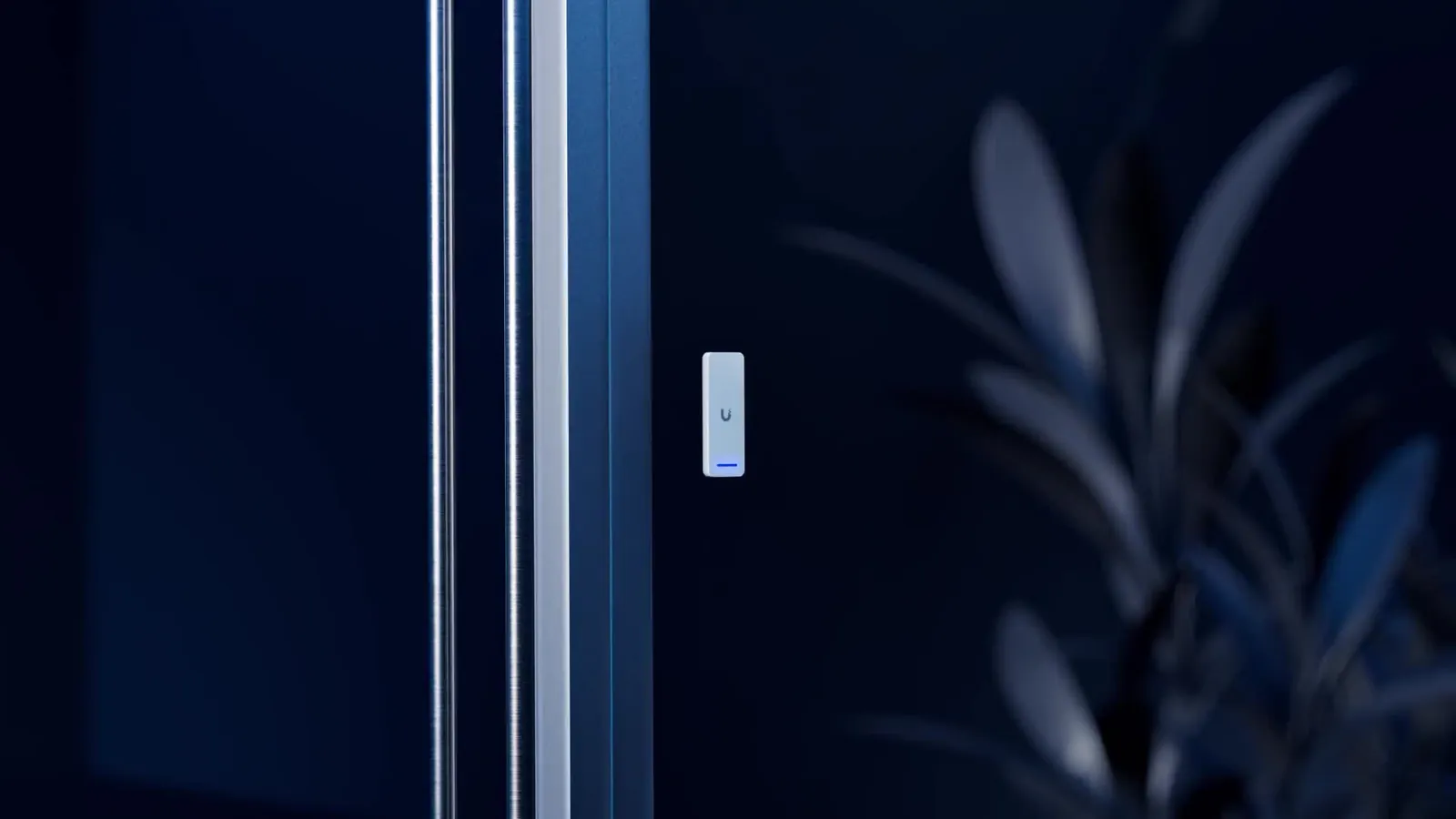
With keys, you have to change the lock and get new copies cut. With a fob, you cut it off in one click and activate another.
An employee leaves, a tenant moves out: their access stops that same day, with no key to get back.
You give them access that starts and ends on the planned dates, only for the doors they need.
The cleaning team gets in at the agreed times, not outside them. And you can see when they came.
We fit an electric strike or electric lock and a discreet reader on your door. After that, everything is managed from an app: who gets in, through which door, at what times.
Sterilisation room, stockroom, plant room: some rooms can stay restricted to a few people, without one more key on the ring.
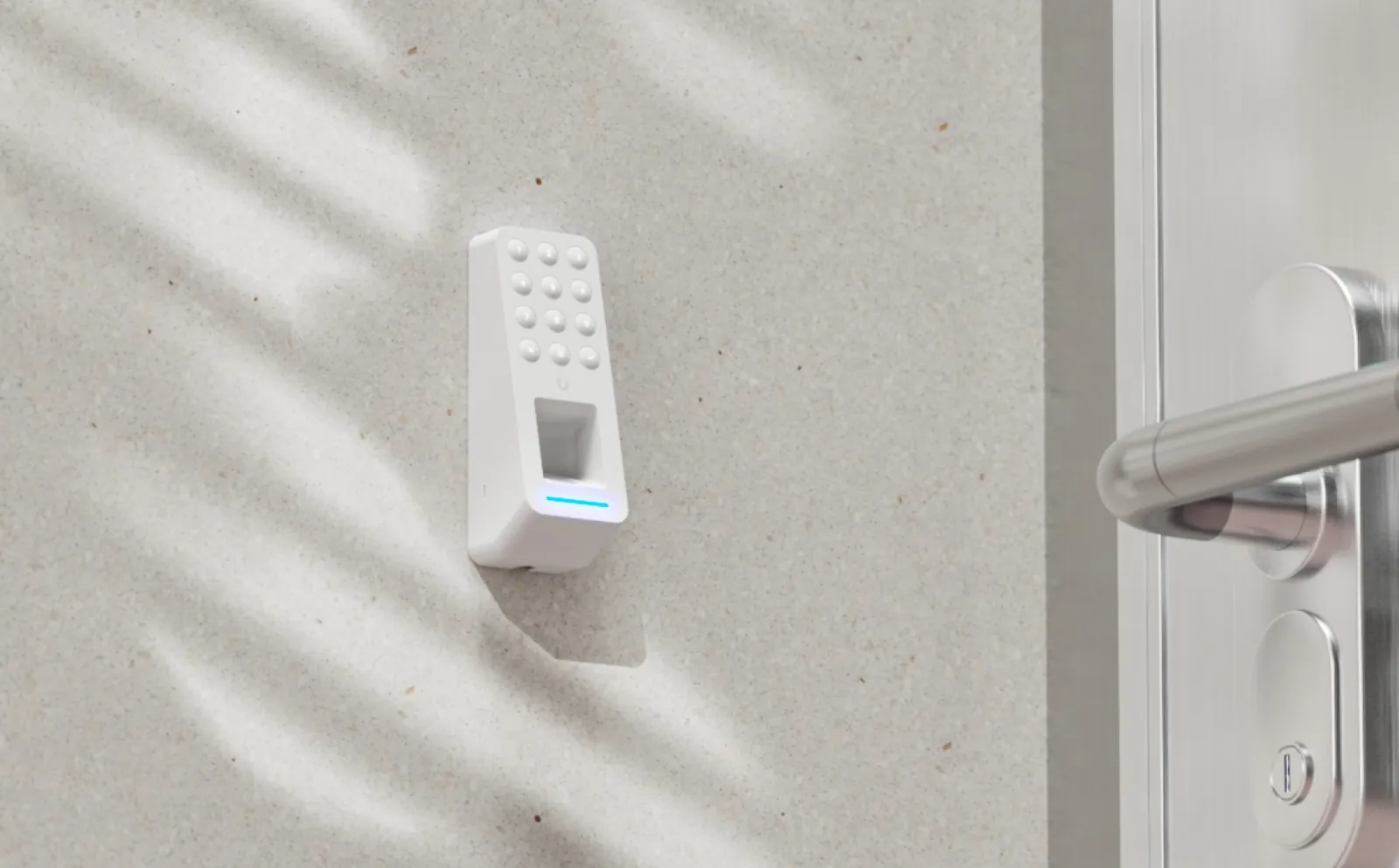
We design the door, the alarm and the video intercom as one project: the video intercom and the fob reader control the same door, and the alarm is planned for the same entrances and the same schedules.
A business building in Woluwe had its fobs, video intercom, alarm, fire detection and cameras installed in a single project. One job, one team to call.
The readers, the strikes and the app run over your network. When a fob suddenly won’t open the door after a broadband router change, the door is often not to blame.
Is your IT already with DeepIT? The same team manages the network, the computers and the doors: nobody passes the buck.
Have your own IT provider? Before installation, we work out with them what the readers need on the network. If there’s a problem, they call us, not you.
A problem? One call. IT, at DeepIT
Fingerprint or face recognition to open the door for your team? In Belgium, this is tightly regulated: it’s sensitive data, and an employee’s consent is not enough. We recommend the solution that stays within the rules, most often a fob, a code or a phone.
UniFi Access for the readers and fobs, UniFi Intercom for the front door. Discreet readers you soon forget are on the wall.
With DeepSense Care, you get one visit a year and updates for the readers. It’s your choice: the doors work without it, and the equipment remains yours.
How it works
We look at each door: the type of lock, the frame, the possible cabling, who needs to get through and when.
Door by door: the electric strike or lock, the reader, and the planned permissions by person and schedule. Itemised.
Readers and locks neatly fitted, fobs programmed, app installed. You test each door with us before we leave.
You manage the fobs yourself. With DeepSense Care, we keep the system up to date and help you when needed.
A changing team, restricted rooms, a locum for two weeks: it’s all managed from the app.
For an officeThe stockroom, the workshop, the back office: one fob per employee, cut off in one click when they leave.
For a shopA code or a fob for household staff and the gardener, removed whenever you decide.
For your homeThe front door, the garage and the bike store on fobs, without changing the cylinder every time someone leaves.
For a buildingFrequently asked questions
Usually not. We fit an electric strike or lock and a reader on the existing door. A very old, glazed or fire door may need adapting: we spot this during the site visit, and it’s written into the quote.
An emergency exit must always open from the inside: we build this in from the plan. For the other doors, what happens without power (stay locked or release, backup battery or not) is chosen door by door, with you, before installation. Without internet, remote opening from the phone stops; what keeps working on site depends on the equipment, and we tell you before you sign.
Yes, with readers that support it: your phone opens the door just like a fob. You can also mix: the phone for you, a fob or a code for the team and locums.
Yes. A technician, a locum, the cleaning team: you create access limited to certain doors, certain days and certain times. It stops by itself on the planned date, and you can see when the person came.
Yes: fobs for residents, limited access for contractors, a video intercom at the entrance. In a co-ownership, the general meeting decides, and we can prepare a clear proposal with the managing agent. Door and video intercoms for buildings
Mainly the number of doors and readers, the condition of the doors and the cabling to be run. After the site visit, you receive a detailed, itemised quote. What drives the price
Tell us how many doors, how many people, and how you work. We come and take a look on site, then send you our proposal.