


Answer, even when you’re out
A courier, a relative or a technician rings while you’re out: you see them on your phone, talk to them, and open the door if you want to.
Door and video intercoms
A video intercom for your home, your offices or your building. You answer from the screen or your phone and open the door remotely. On the old wiring, if possible.
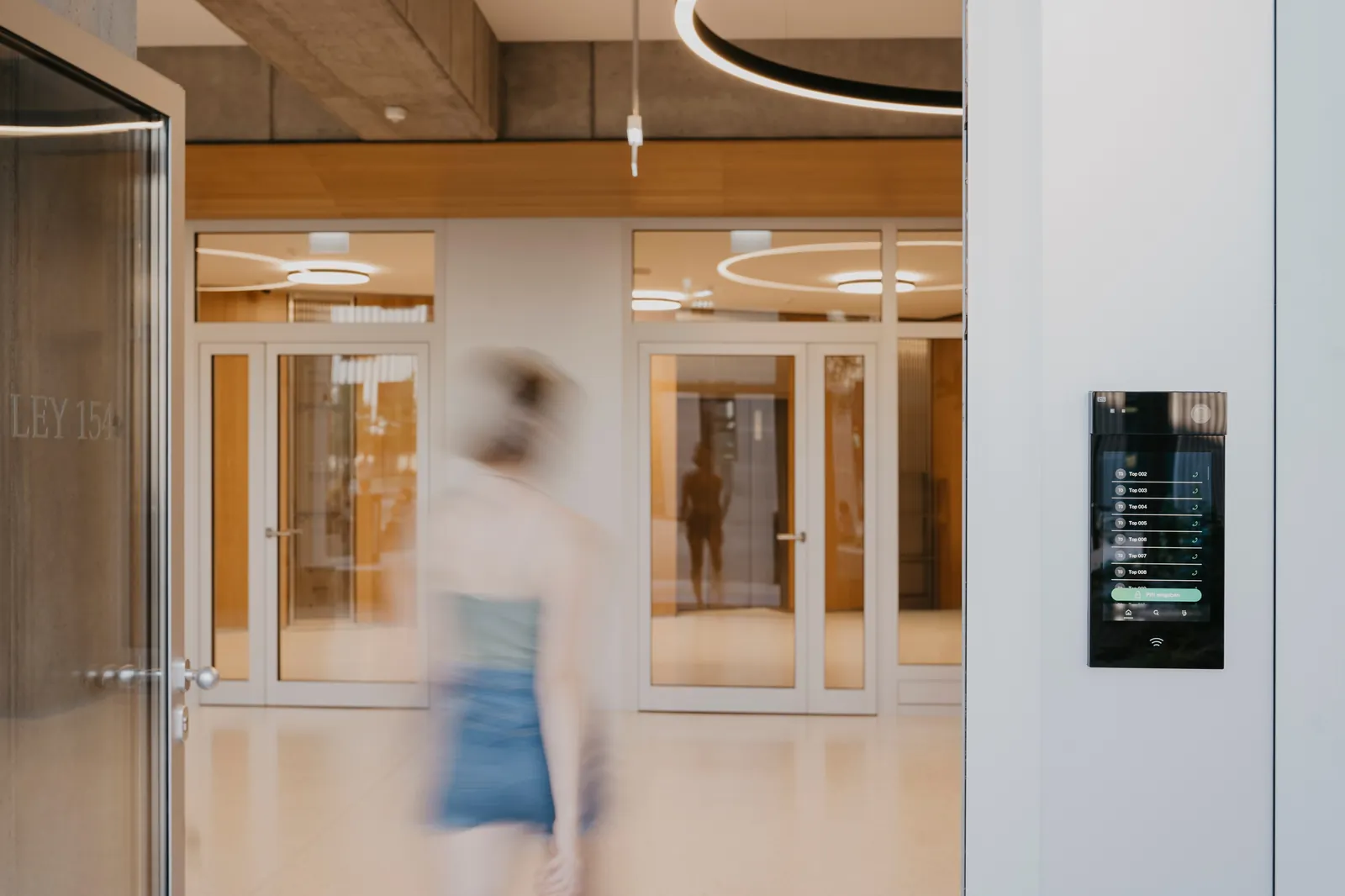
A courier, a relative or a technician rings while you’re out: you see them on your phone, talk to them, and open the door if you want to.
At the office, you see the visitor on screen and open the door from reception or your desk, without stopping what you’re doing.
For someone with limited mobility, a large house or a building with several floors: a screen where people actually live, and the door opens with a tap.
For a house in Ixelles, we’re going to replace a first-generation video intercom: a high-definition door station, 4 indoor screens instead of 2, and 2 cameras for the outside. We chose a 2-wire system so we can reuse, if possible, the cable already in the walls.
Away from home, you answer from your phone. At home, slim screens where you really live: the kitchen, upstairs, the study.
A clear door station, a simple handset in every flat, and a door that opens without going downstairs. We’ve already installed a building’s intercom system for a Brussels managing agent.
In a co-ownership, the general meeting decides: we can prepare a clear proposal with the managing agent to put to it. Let’s talk about your building
Photos from the manufacturers whose equipment we install.
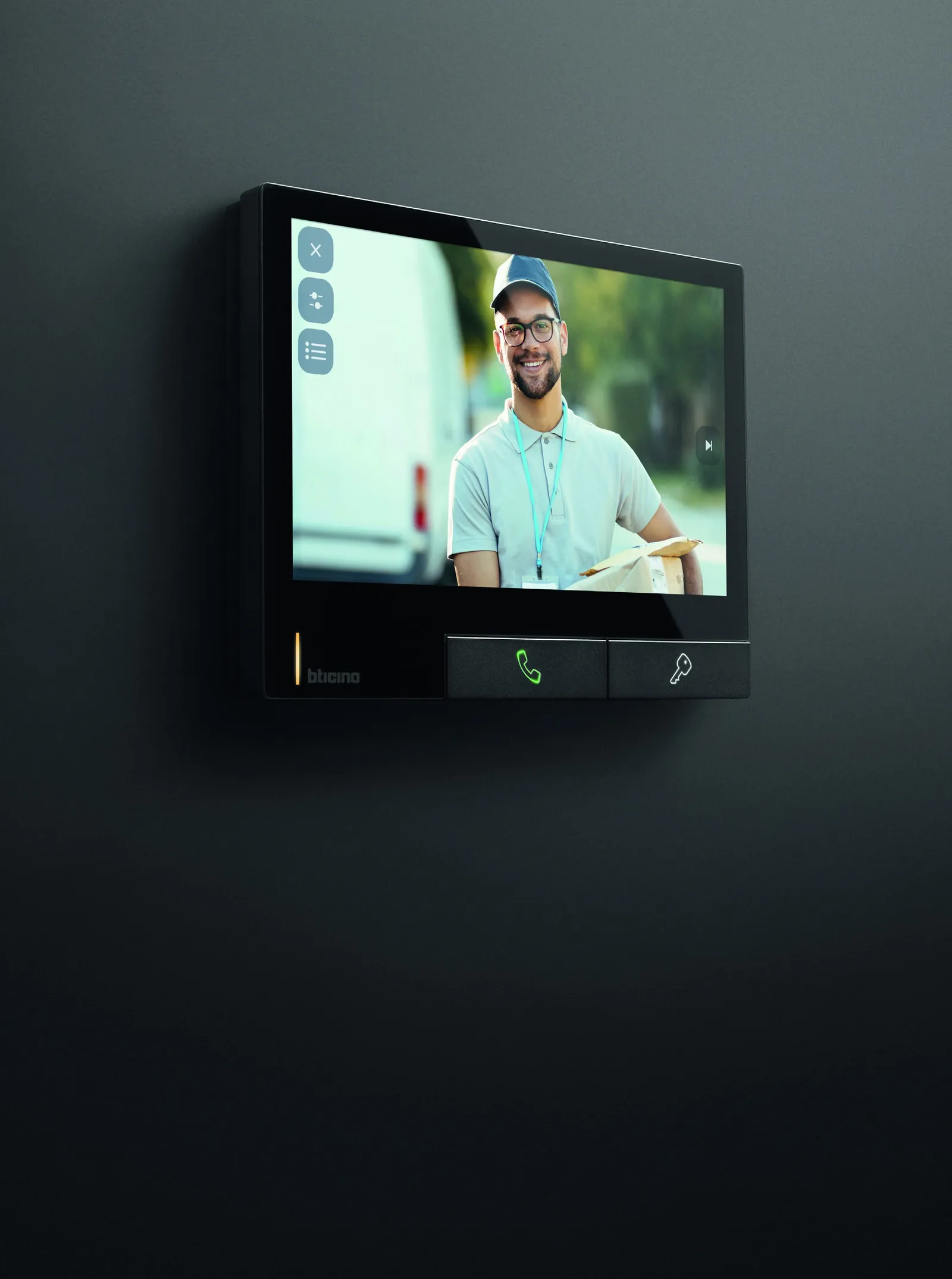
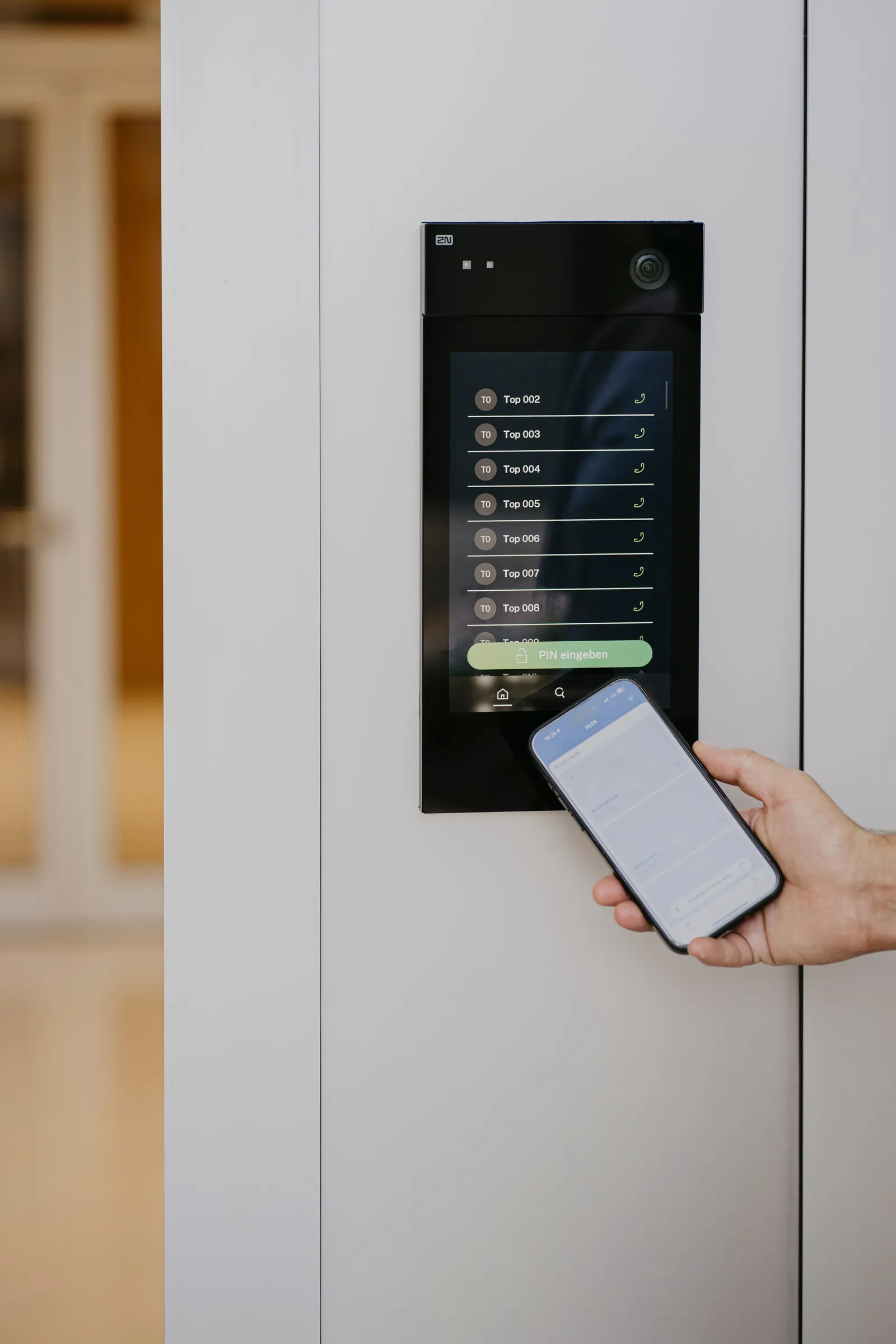
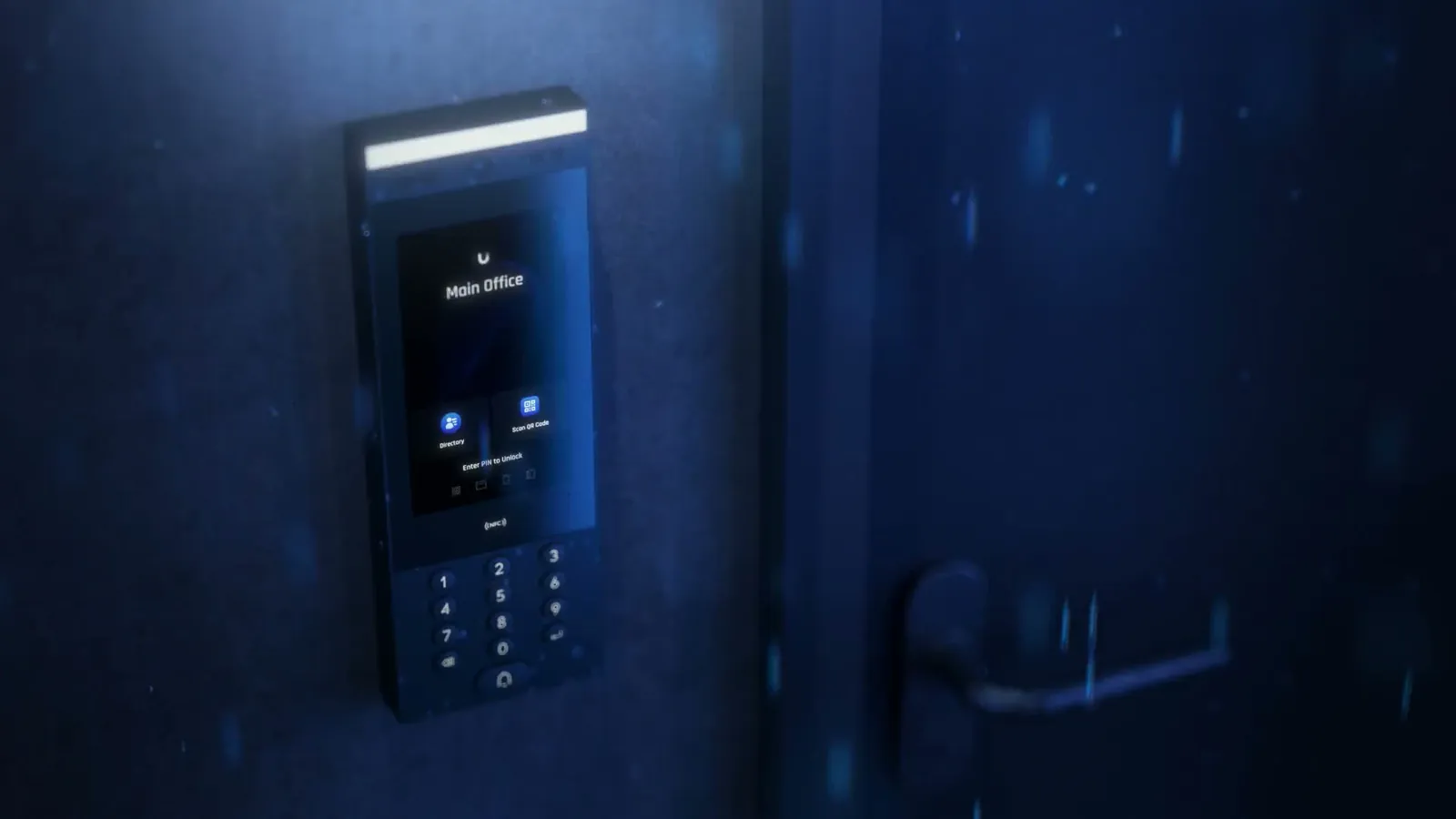
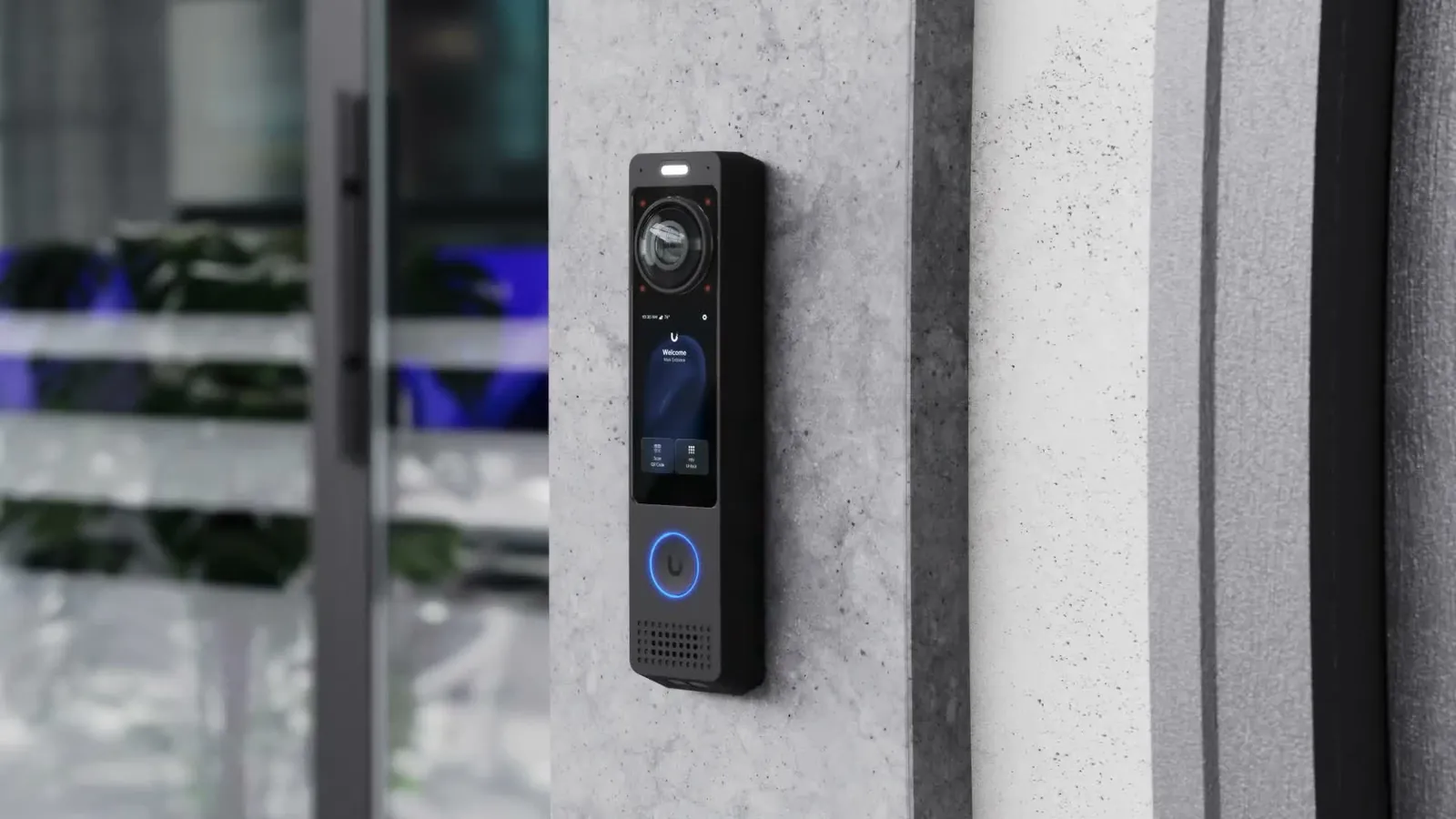
At the office or the shop, the video intercom and the fob readers control the same door: the team gets in with their fobs, visitors ring, and you open from the screen or your phone. See access control
UniFi Intercom for offices and shops, Hikvision 2-wire when you want to keep a house’s old cable. Understated door stations, on the façade or on the wall.
Is your IT with DeepIT? One team takes care of everything. Have your own IT provider? We set up the network with them. A problem? One call.
DeepSense Care, if you choose it: one visit a year and updates for the video intercom. It works without it, and the equipment remains yours.
How it works
On site, we check the cable already in the walls, the current door station and where you want a screen.
The door station, the number of screens, reuse of the wiring if possible, the link to your phones. Itemised.
Door station and screens fitted, app installed: you see who’s at the door and open it from your phone before we leave.
With DeepSense Care, if you want it: one visit a year and updates, by the team that installed the equipment.
Reception sees who’s at the door and opens without getting up; in the evening, you answer from wherever you are.
For an officeDeliveries and visitors handled from the counter or your phone, even at the service door.
For a shopA slim screen upstairs and in the kitchen, often on the old intercom’s wires.
For your homeA clear door station and a handset per flat, in a clear proposal prepared with the managing agent.
For a buildingFrequently asked questions
Sometimes, yes. Some modern video intercoms run on two wires: if your cable has the wires needed and is in good condition, we reuse it. During the site visit, we check it and count the screens you want. If a cable needs to be run, you’ll know before the quote.
Yes. When someone rings, the call also comes through to your phone: you see the person, talk to them and open the door if you decide to, even when you’re far from home.
As many as there are rooms that need one, within the limits of the chosen system. For a house in Ixelles, we’ve planned 4 screens instead of 2. A screen on every floor saves running to the door.
At home, no: a video intercom by the door that’s used to see who’s ringing and doesn’t record has nothing to register. For a business, privacy rules apply. If it records, it’s a surveillance camera, and we explain what that changes.
Mainly the number of screens, the wiring (reused or new) and remote door opening. After the site visit, you receive a detailed, itemised quote. What drives the price
We come and look at your door and your wiring, then tell you what can be kept and what needs to change.