
Watch live, review a moment
On your phone or computer, you watch what’s happening live, or quickly find the clip that matters.
Three specialities, one team.
CCTV cameras
Sharp footage on your phone. We position each camera with you, prepare the network (with your IT provider, if you have one) and guide you through the registration.
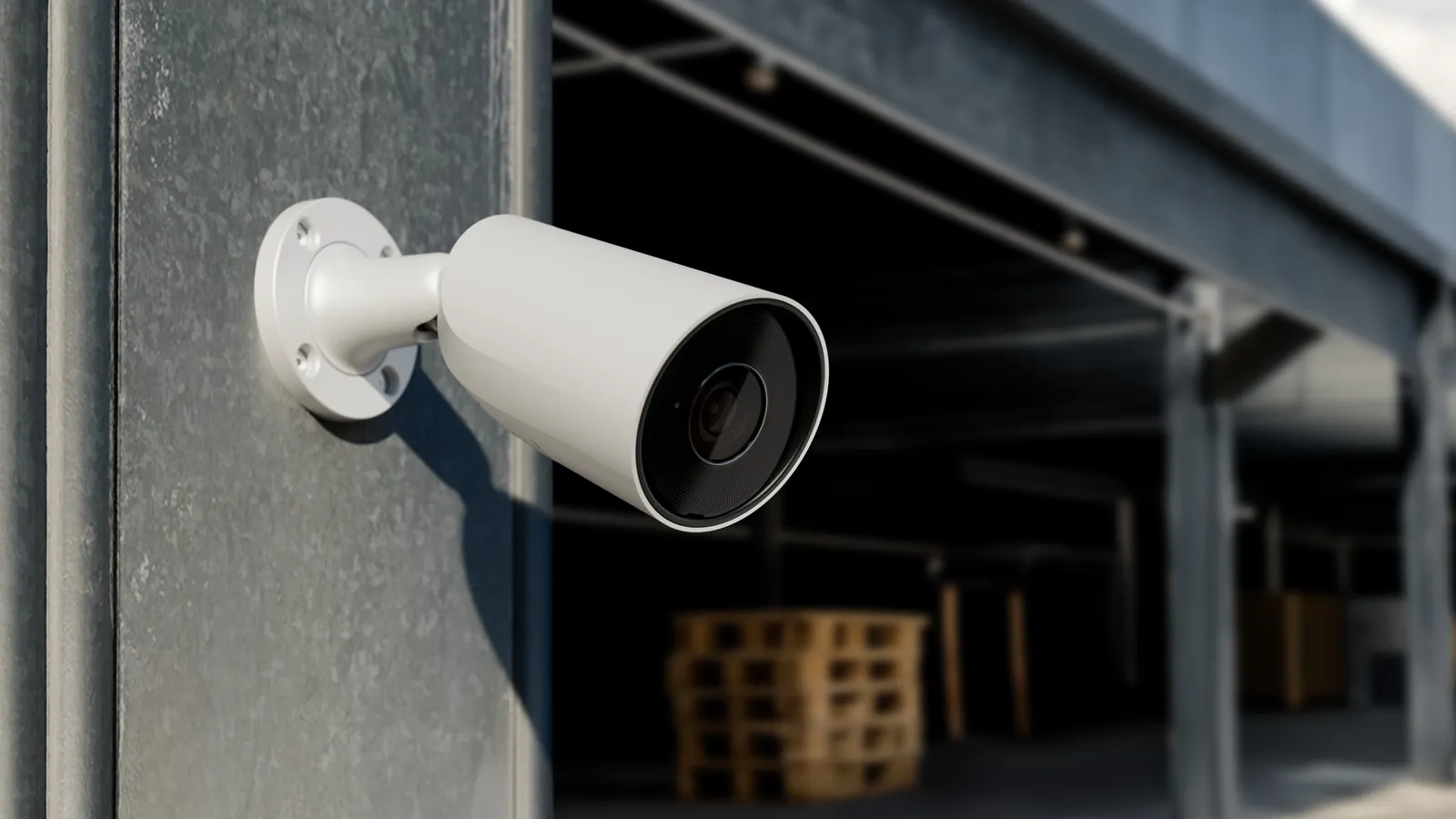
On your phone or computer, you watch what’s happening live, or quickly find the clip that matters.
Two offices, a shop, your home: fitted with the same system, they all appear in the same app, and you switch from one to another in a tap.
A theft, a forced door: you export the clip to hand it to the police. And if you’re not sure how, we’ll help you.
Your cameras send their footage over your network, to the recorder and to your phone. A new broadband router, a replaced router, and the screen stays black. We’re installers and IT specialists: we know where this kind of fault comes from.
Is your IT already with DeepIT? One team takes care of everything: the network, the computers and the cameras.
Have your own IT provider? We set up the network with them: we tell them what the cameras need, and if there’s a problem, it’s us they call, not you.
A problem? One call: to us. IT, at DeepIT
You’re on holiday, a parcel arrives, the gardener calls round, the alarm sends you an alert: one look at your phone, and you know what’s going on.
Indoors, for your personal use, there’s nothing to register; if someone works in your home, let’s talk about it before installation. As soon as a camera looks at the drive or the garden, the rules below apply just as they do for a shop, and we guide you through each one.
Two pharmacies in Anderlecht wanted to be able to review an incident. Today they have clear footage on their phones, easy to export.
A co-ownership in Molenbeek had a recorder at the end of its life. We replaced it and added 2 cameras: the common areas are being recorded again.
A new building on 3 floors (under construction): we’re planning 17 cameras there, positioned on the plans with the architect, before the suspended ceilings go in.
A shop, an office, a building entrance or the outside of a house: the camera law applies. Nothing complicated, if it’s planned from the start.
The registration is in your name, because you’re responsible for the footage. We prepare it with you, and we put up the sign.
UniFi Protect, Dahua or Hikvision depending on the project, with an on-site recorder. A discreet dome indoors, a rugged camera outside: the model is chosen room by room.
We offer DeepSense Care: one visit a year, and updates for the cameras and the recorder. Without Care, everything works, and the equipment remains yours.
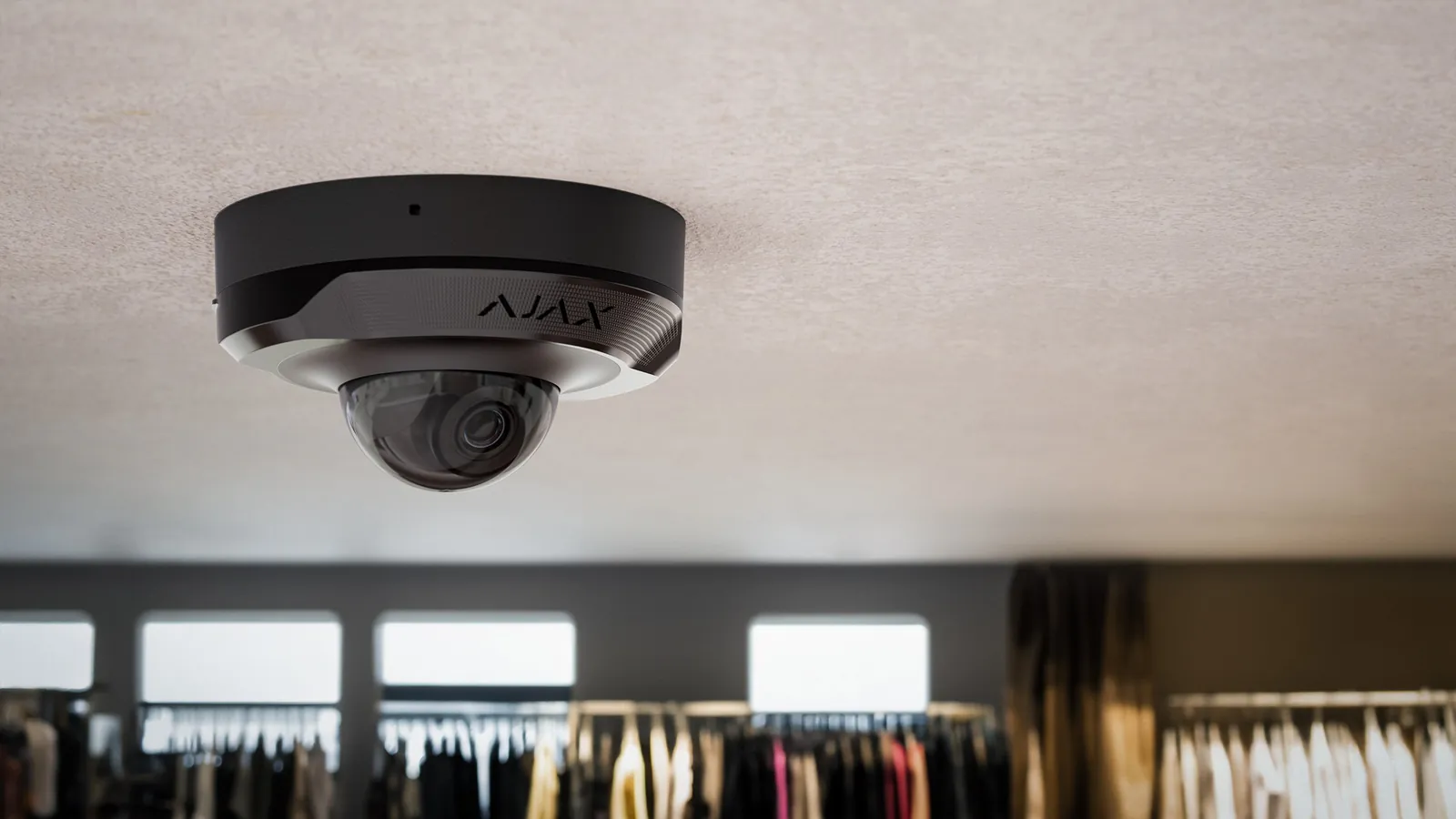
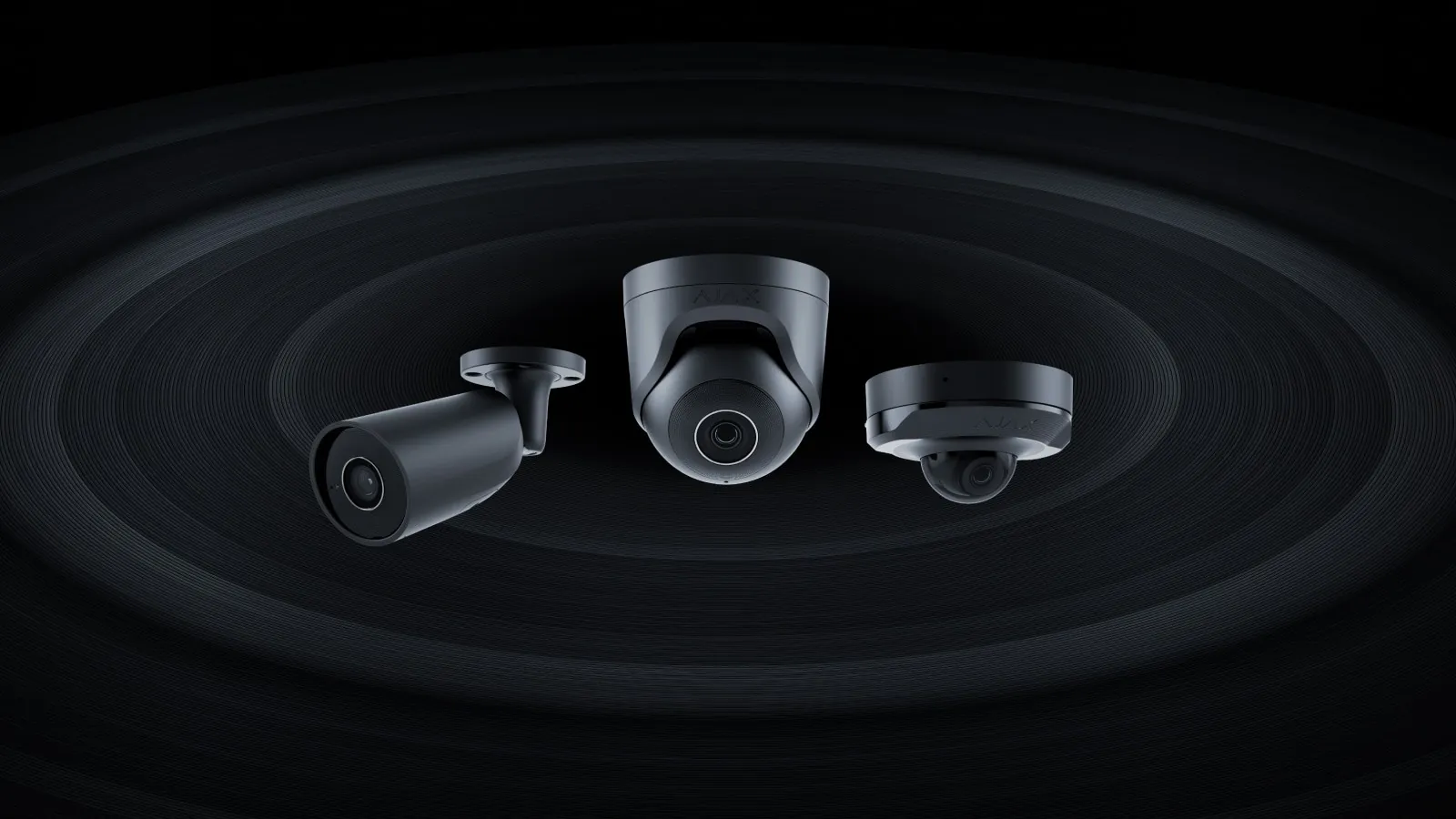
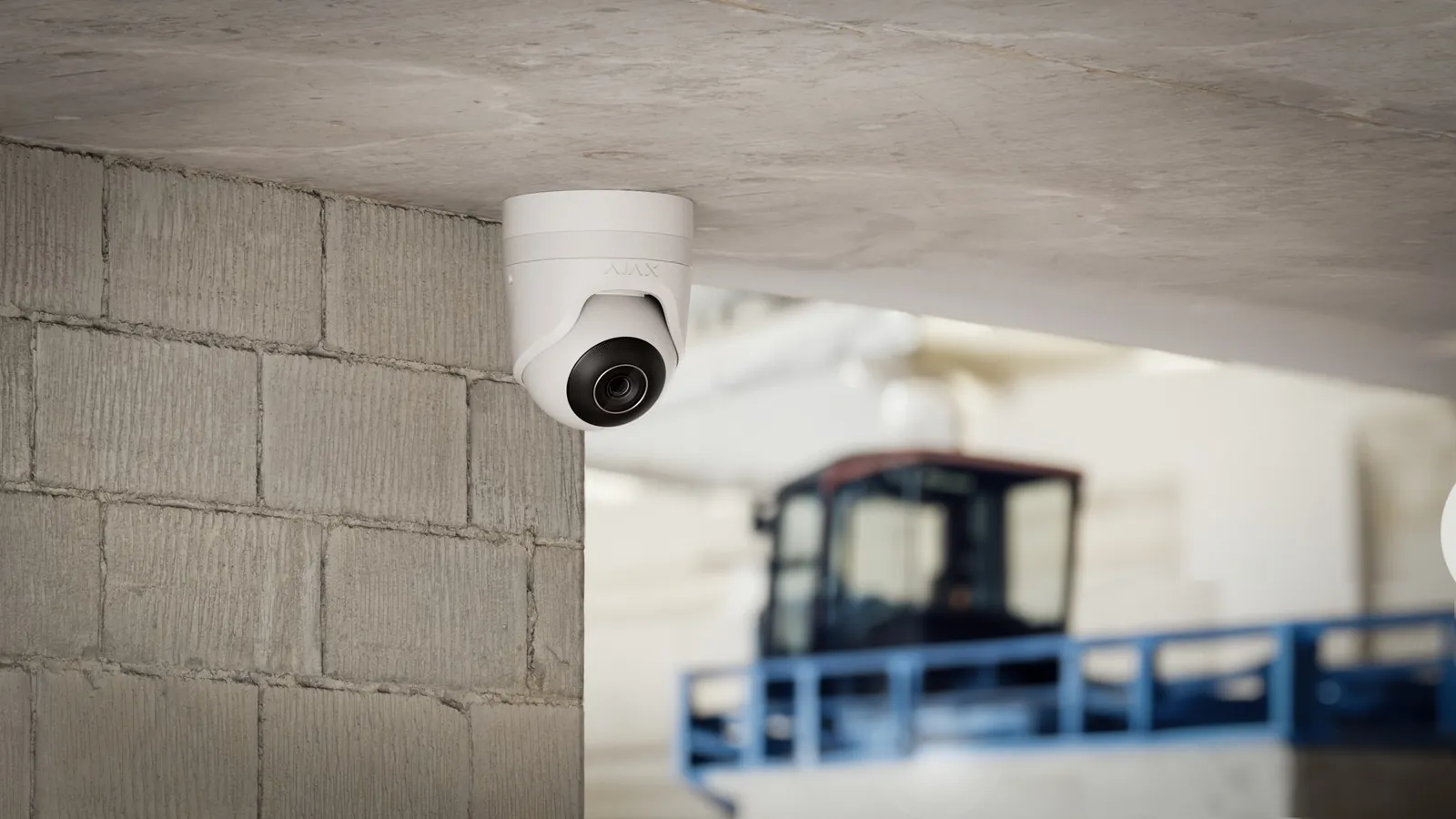
Photos from the manufacturers whose equipment we install.
How it works
Together we identify what needs to be seen: the entrance, the counter, the stockroom, the drive. And what mustn’t be filmed: the street, the neighbours, the changing rooms.
Each camera on a plan, with its angle, the recorder, the cabling and the retention period. Itemised, before you sign.
Cables hidden, images adjusted one by one, app on your phones. The registration is prepared with you, and the sign is put up.
One visit a year and updates with DeepSense Care, if you want it. A camera that won’t show any more? One call.
The entrance and through areas, never treatment rooms or closed offices. Staff informed.
For an officeThe counter, the till, the stockroom: clear footage to export when it counts, on one or several sites.
For a shopThe drive, the door and the garden, without filming the street. See who came by while you were away.
For your homeThe entrance hall, the garage and the bike store, registered in the co-ownership’s name.
For a buildingFrequently asked questions
Yes for a shop, an office, a building entrance or the outside of your house: registration is done on declarationcamera.be before going live, then confirmed every year, and you keep a simple log. No for cameras inside your home, for your personal use.
No. Neither an individual nor a business may film the public highway or someone else’s property. In front of your door, the camera films the bare minimum. We set each camera’s angle with you during installation.
In principle one month at most, as the law requires. If a clip serves as evidence of an incident, you can keep it longer: let us know quickly, and we’ll help you set it aside before it’s erased.
We prepare it with you: locations, filmed areas, retention period. You then approve it, because you’re responsible for the footage.
Yes, live or recorded, from your phone or computer, wherever you are. You decide who else has access, and you can remove that access whenever you like.
The price depends mainly on the number of cameras, indoor or outdoor, the cabling to be run and the retention period you want. After the site visit, you receive a detailed, itemised quote. What drives the price
We come and see the premises with you and suggest a position for each camera. Then you decide, quote in hand.